

%402x%20(1).svg)
%402x.svg)
%402x.svg)
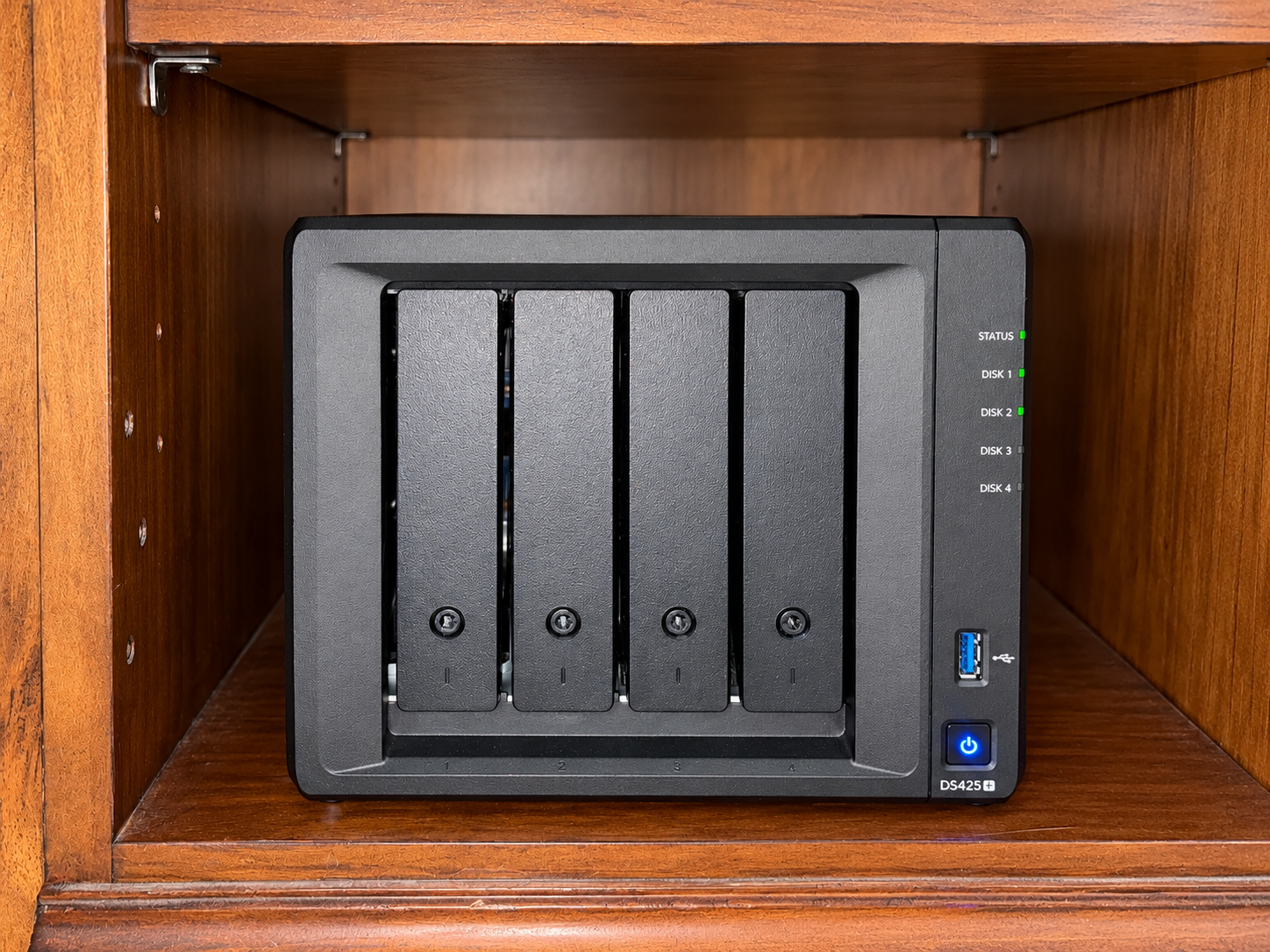
I bought my Synology DS425+ because I wanted a dependable home for the digital things that matter to me: family photographs, personal records, computer backups, and a growing collection of movies and music. I also wanted to begin reducing my dependence on paid cloud storage and streaming subscriptions.
What started as a storage purchase has become a project in preservation, organization, and learning. Installing the NAS was one step. Building a system I can trust involves understanding how files reach it, how the drives are protected, and how I will recover important information if something goes wrong.
This is my experience so far, including why I chose the DS425+, the upgrades I have made, and the lessons that are shaping the next stage.
Why the DS425+ Fit My Plans
I wanted a practical balance of price, software, and room to grow. The enclosure was only part of the investment; hard drives, networking, and separate backups also needed a place in the budget.
The four drive bays were a major selling point. I could start with two drives and leave two bays open, spreading purchases over time as my photo archive and media collection grew. That made more sense for my circumstances than buying and filling a much larger system immediately.
Synology’s DSM software was another reason for the choice. It gives me a consistent place to manage shared folders, permissions, applications, and drive health. I wanted an established software environment that could support several jobs as I learned more about the system.
The ability to expand gradually remains central to the project. With an appropriate configuration such as Synology Hybrid RAID, additional drives can be added to empty bays, and larger drives can later be introduced through staged replacements. The important qualification is that each purchase does not automatically translate into all of that drive’s capacity becoming usable. The drive combination and redundancy requirements matter.
Starting With Two 8 TB Drives
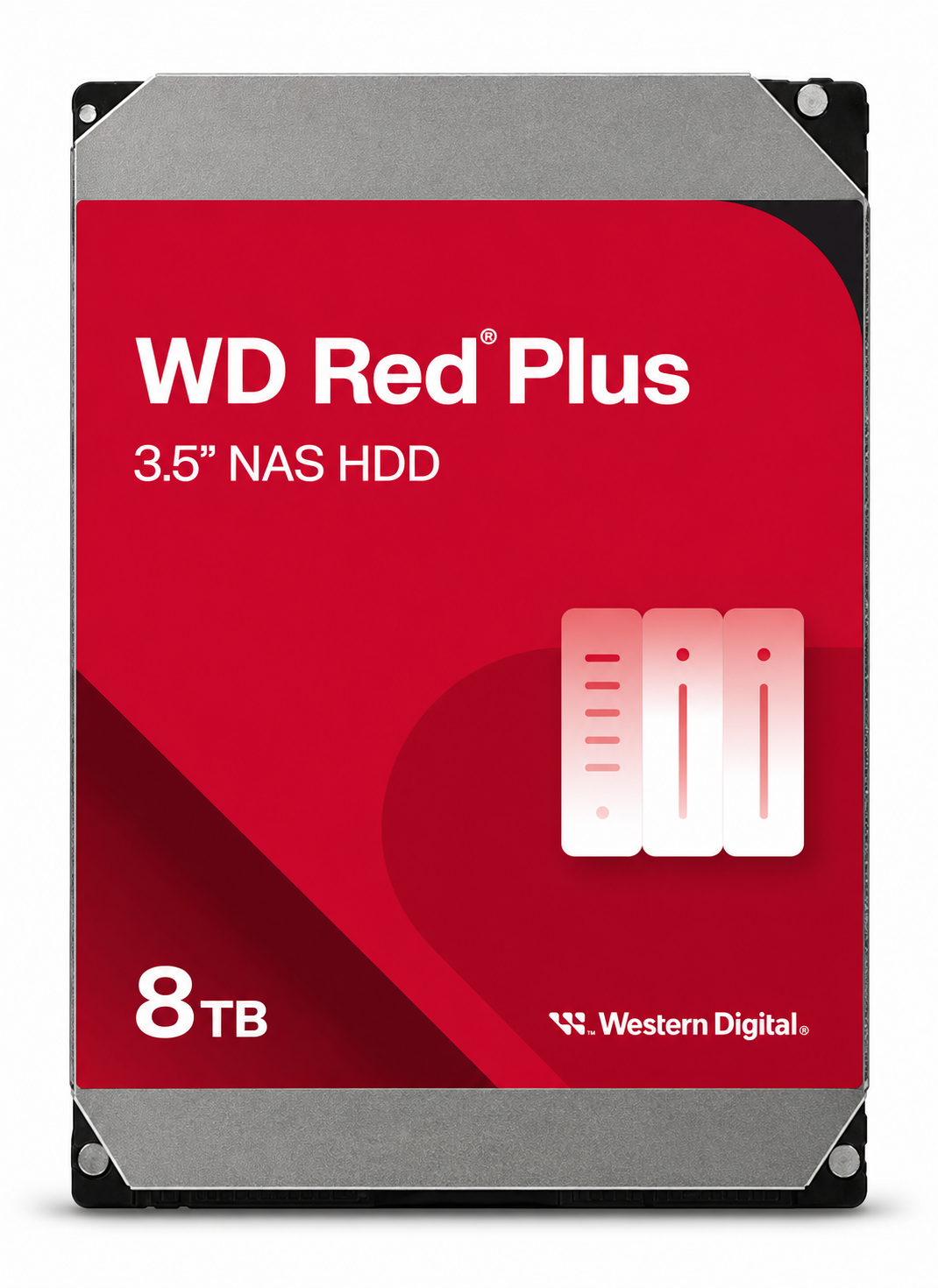
My starting point was two 8 TB WD Red Plus drives. Leaving the other bays available gave me time to learn how I actually use the NAS before committing to more storage.
That experience has clarified my priorities. Family photographs and financial documents deserve the strongest backup attention. Movies and music take up a great deal of space, but their loss would generally mean repeating work. A lost family photograph may be impossible to replace.
I am planning capacity around both categories while treating their backup needs differently.
My Memory Upgrade to 18 GB
I added a 16 GB memory module alongside the built-in 2 GB, bringing my system to 18 GB. My NAS functions with that configuration.
That is beyond Synology’s published maximum of 6 GB. It is my experience with my particular unit and module, rather than a guarantee that any 16 GB module will work. Synology also says it does not provide complete product warranty or technical support when non-Synology memory is used for expansion.
I have not completed a controlled before-and-after performance comparison, so I cannot attach a measured speed improvement to the upgrade. My purpose was to provide more memory as I expand the applications and tasks the NAS handles.
Preserving Family Photographs
The family archive is the part of this project with the greatest personal value. I want photographs from phones, computers, cloud services, and older collections brought together somewhere I can organize and find them.
That includes scanning old family photographs. I have been using high-resolution TIFF scans, including 1200 dpi captures, to preserve files for future restoration. Those files can be large, but saving the original scan matters more to me than minimizing every megabyte. I want to keep an untouched master alongside any restored or edited version.
My cloud migration is also happening in stages. I have been working with Google Takeout exports and learning how the photographs and accompanying files are organized. My goal is a collection I can browse through thumbnails and albums, with Synology Photos among the options I am exploring.
Before I cancel a storage service or remove an original, I want to verify the copied files and have another backup. Moving everything onto one device would leave too much responsibility with that single device.
Building My Own Movie and Music Library
Alongside the family archive, I am building a local media collection. My preference for standard Blu-rays is to retain original-quality rips, which makes storage planning important.
I have been working with Plex to make that collection available on my television and other devices. Some of the learning has been surprisingly ordinary: getting folder paths right, pointing libraries at the correct location, and making sure new files are scanned.
Music has become part of the same effort as I work through ripping my CDs. Most recently, I have been getting familiar with fre:ac and importing audio CD tracks into it.
The goal is to gradually build a useful library of my own. I expect subscriptions to become less necessary as that library grows, but I have not yet calculated a financial payback or eliminated those services.
What the Network Taught Me
Large transfers have made me pay closer attention to the route between my laptop and the NAS. I have tried direct Ethernet connections and have been building a wired setup around a Netgear switch.
One useful distinction is between internet performance and transfers inside my apartment. Copying a file from a laptop to a NAS on the local network is a different task from downloading something through my internet provider.
I have also learned to check which connection Windows is actually using, particularly when Ethernet and Wi-Fi are both available. The laptop, dock, cables, switch, and NAS connection all deserve attention before I decide that the storage hardware itself needs upgrading.
I am still documenting performance. I would rather understand the connection and workload behind a transfer result than treat one speed reading as the NAS’s permanent limit.
The Next Stage Is 22 TB Drives
I purchased two Toshiba N300 22 TB drives for the next stage. As of October 20, I had installed the first drive and started an extended SMART test. I have also been running extended checks on the original 8 TB drives.

The intended combination is two 8 TB drives and two 22 TB drives. Under SHR with one-drive fault tolerance, that combination is expected to provide roughly 38 TB of usable capacity before system and filesystem overhead. That is a planning estimate, not a report of completed expansion or the capacity currently shown in DSM.
Synology’s SHR explanation helped me understand why mixed drive sizes can work and why redundancy affects the space available. I intend to complete testing and each expansion operation before moving to the next step.
Learning to Look After the System
I have been checking drive temperatures, reviewing fan settings, and learning the maintenance tools in DSM. Recent readings on the original drives have been around 91–97°F, giving me a reference as I add drives and run longer tasks.
A UPS is another planned purchase. My main objective is to give the NAS time to shut down safely during a power outage. I do not need it to keep a full workstation running for an extended period.
These routine details are part of making the NAS dependable. I want it to become a household tool I can check and maintain without needing to supervise every operation.
Redundancy Is Only One Part of the Backup Plan
Drive redundancy can help keep data available when a drive fails. It does not give me a separate copy away from the NAS, and it does not solve every cause of data loss.
My longer-term plan includes a second NAS at home, potentially reusing smaller drives as the main system expands. I also want an offsite NAS at my sister’s house, focused on essential computer backups, family photographs, and important documents.
The offsite system is still a plan. I have been considering monthly updates, which means I would need to account for anything created since the last backup. The movie and music libraries are a lower priority for that remote copy.
Before I consider the archive well protected, I want separate backups and a recovery process I have actually tested.
What Success Will Look Like
The DS425+ is becoming the foundation of a family archive and a home media system that I can expand gradually. There is still work ahead, but I now have a clearer understanding of what the hardware is for and what it takes to look after it.
Success will be finding a photograph without searching several devices, recovering an important file when I need it, and enjoying a media collection I have organized myself. Above all, it will mean preserving family memories with the care they deserve.
By Ron Palinkas. Experience and project status updated October 21, 2026. NAS photograph supplied by the author and enhanced with AI. Drive images supplied for illustration; the WD Red Plus image was also enhanced with AI.


%402x%20(dark).svg)
%402x%20(dark).svg)
%402x.svg)
%402x.svg)
%402x.svg)